🔑 API Key Access
Deprecated
This page is no longer maintained. The information may be outdated or no longer applicable.
The API Key Access section allows you to generate and manage API keys directly from your profile. These keys let you access the DM-Hub API to retrieve your storage usage data programmatically.
🧭 Step-by-Step Guide
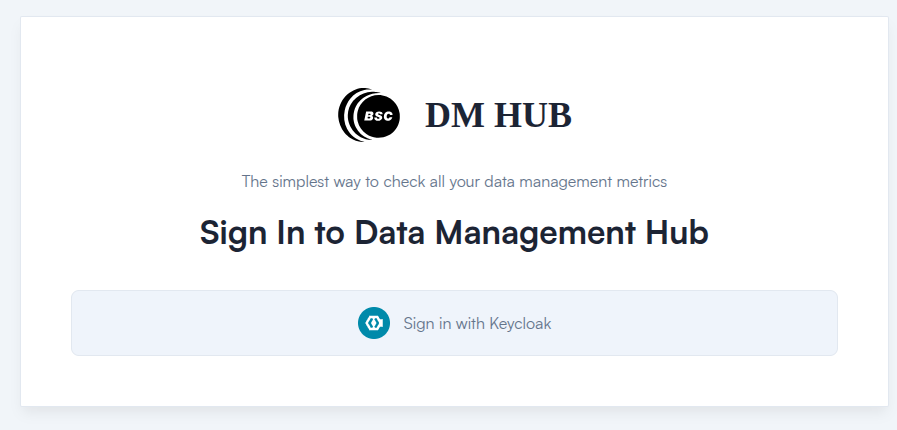
1. Log into DM-Hub
- 🔒 For BSC users: https://datamanagement-hub.bsc.es
- 🌐 For external users: https://dm-hub.bsc.es
After login, you will automatically be redirected to your Profile page.
2. Locate the "Available API Keys" Section
In your profile view, scroll down to find the API Key Management section.
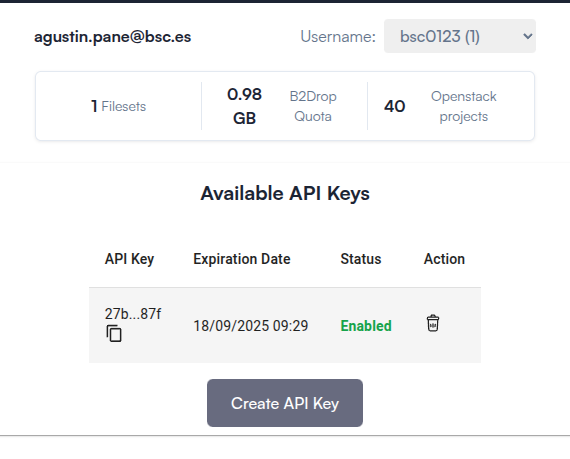
This section includes a table listing all API keys you have generated:
| Column | Description |
|---|---|
| API Key | The generated token (partially hidden) |
| Expiration Date | When the key becomes invalid |
| Status | Whether the key is active or revoked |
| Action | 🔄 Delete or 📋 Copy the API key |
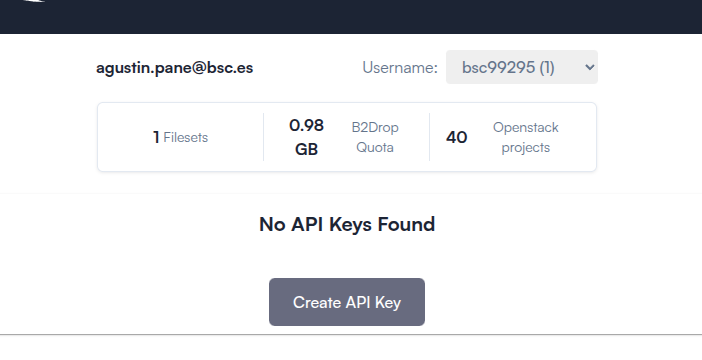
3. Create an API Key
Click the "Create API Key" button at the bottom of the table. A confirmation modal will appear.
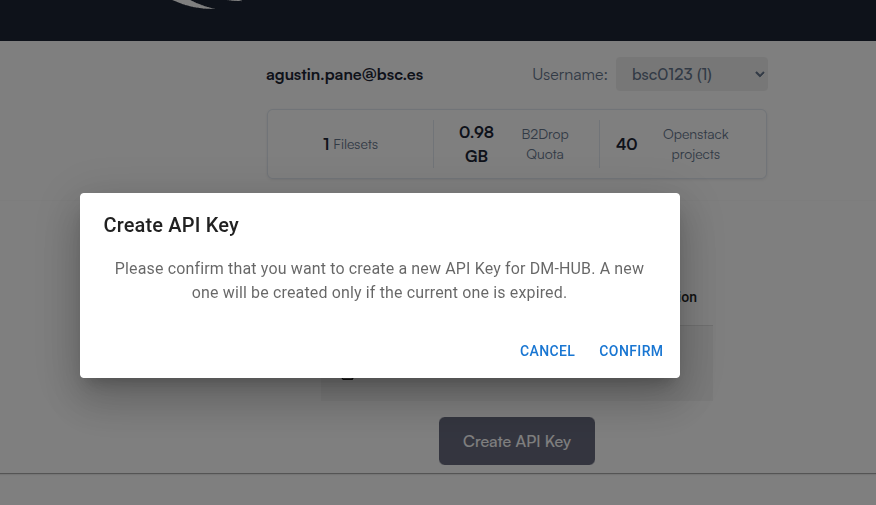
Once confirmed, your new API key will appear in the table. You can click the copy icon 📋 to quickly copy it to your clipboard.
📘 Explore the API with Swagger
We provide an interactive interface powered by Swagger UI for exploring and testing the API.
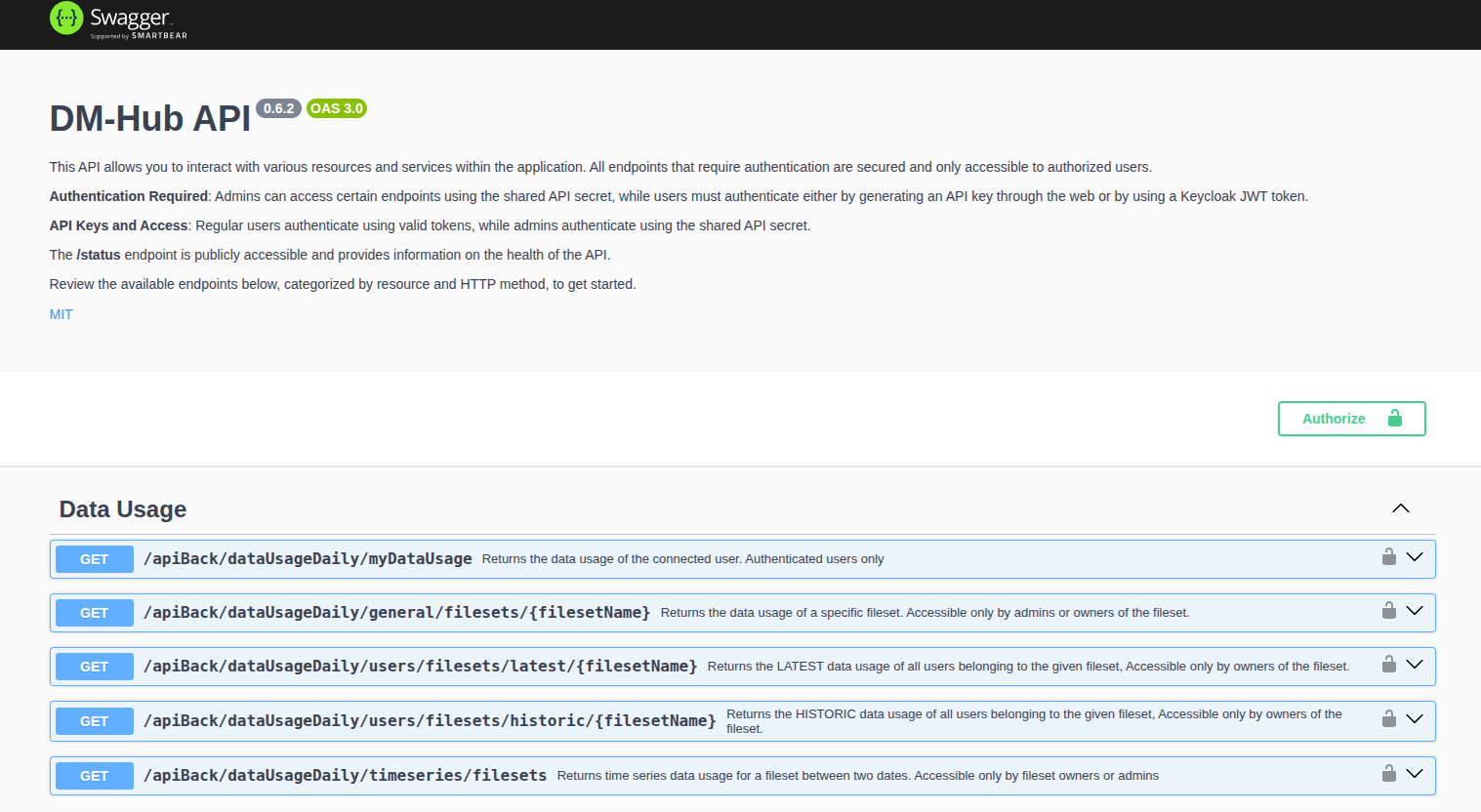
With Swagger, you can:
- Browse available endpoints
- Understand request/response formats
- Authenticate with your API key
- Run test queries directly in the browser
💡 Swagger is ideal for developers and data analysts to explore API functionality without needing to write code upfront.
🔐 Authentication
All private API endpoints require authentication.
Include your API key in the Authorization header:
Authorization: Bearer <your-api-key>
📂 Available Endpoints (Authentication Required)
These are some of the available endpoints you can access with your API key:
| Method | Endpoint | Description |
|---|---|---|
GET |
/apiBack/dataUsageDaily/myDataUsage |
Returns your own storage usage data. |
GET |
/apiBack/dataUsageDaily/general/filesets/{filesetName} |
Returns data usage of a specific fileset (for admins or owners only). |
GET |
/apiBack/dataUsageDaily/users/filesets/latest/{filesetName} |
Returns the latest data usage of all users in a fileset (accessible to fileset owners). |
GET |
/apiBack/dataUsageDaily/users/filesets/historic/{filesetName} |
Returns historic data usage of all users in a fileset (accessible to fileset owners). |
GET |
/apiBack/dataUsageDaily/timeseries/filesets |
Returns timeseries data usage for a fileset between two dates (owners/admins only). |
For a full and up-to-date list of available endpoints, visit the official Swagger Documentation.